Throw Food For Spooky Animals Scripts & Automation
Example loadstrings players search for—verify PlaceId 84622560457958 and accept full account risk.
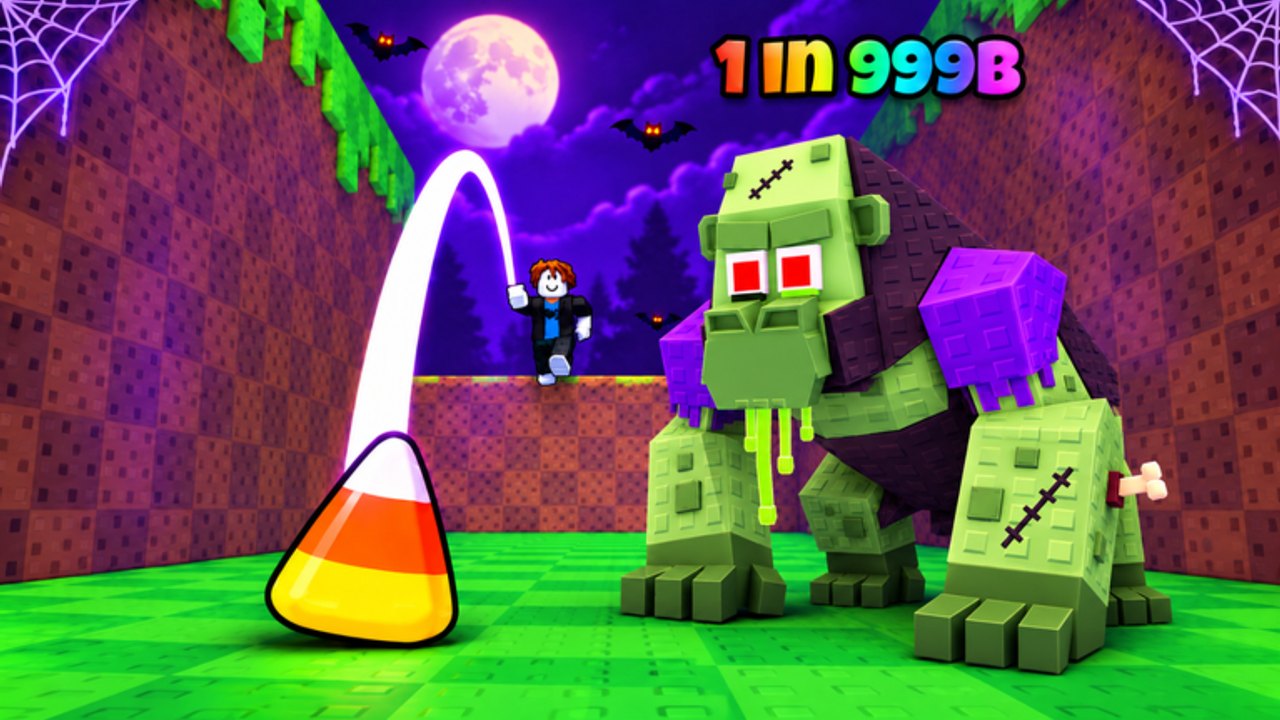
This Scripts Hub documents automation features players look up for Throw Food For Spooky Animals on Roblox. It is not an endorsement. Executors, injectors, and third-party loadstrings can violate Roblox rules, trigger bans, corrupt saves, or steal sessions. Use at your own risk, preferably on alternate accounts you can afford to lose.
Many public scripts were written for the inspiration experience Throw Food for Animals (Goofy Chupacabra). The spooky place shares a similar throw → attract → collect → sell → upgrade loop, but PlaceIds differ. Before you run anything, confirm the script targets PlaceId 84622560457958 (Universe 10773663140). If a script hard-checks another place, it may fail silently—or worse, misbehave.
Legitimate progress still comes from the guides: Getting Started, Throw Power, Food Guide, and How to Catch. Scripts do not replace understanding the meter, food tiers, or plot income UI.
Safety rules before any loadstring
- Never paste scripts on your main if you care about the account.
- Read every HttpGet URL before executing. Unknown raw hosts are a red flag.
- Verify PlaceId for Throw Food For Spooky Animals:
84622560457958. - Disable auto-features that spam remote events if the server feels unstable.
- Stop immediately if the client freezes, teleports oddly, or prompts unexpected purchases.
- Prefer learning the manual loop—small 5-player servers punish noisy automation that ruins others’ throws.
If your goal is fair play, skip this page and use Codes (currently none), Tier List, and Players instead.
Example scripts players search for
The loadstrings below are examples of what circulates for this genre. Feature labels describe common marketing claims only. Compatibility with the spooky place is not guaranteed. Re-test after every game update.
1) Auto Throw / Auto Index / Auto Training / Auto Sell
loadstring(game:HttpGet("https://raw.githubusercontent.com/Dr6seven/throwforanimals/refs/heads/main/script.lua"))()Claimed features: Auto Throw, Auto Index, Auto Training, Auto Sell.
Notes: Useful to understand which chores players automate—repeating throws, cataloging animals, grinding pull-ups, and cashing income. Confirm the script still resolves and that it does not assume the inspiration place’s UI only.
2) Instant Throw / Auto Perfect / Auto Farm
loadstring(game:HttpGet("https://raw.githubusercontent.com/ummarxfarooq/mystrix-hub/refs/heads/main/loader"))()Claimed features: Instant Throw, Auto Perfect, Auto Farm.
Notes: “Perfect” throw helpers usually watch the shared power meter timing. On a 5-player server, instant or perfect spam can look obvious to others and to moderation tooling. Prefer short test sessions.
3) Perfect Auto Throw (keyless)
loadstring(game:HttpGet("https://raw.githubusercontent.com/imshrak/small/refs/heads/main/tffa"))()Claimed features: Perfect Auto Throw without a key system.
Notes: Keyless scripts spread faster and change faster. Re-check the raw file date and PlaceId assumptions every time. Keyless does not mean safer.
What “Auto Throw” actually maps to in-game
Understanding the manual loop makes script failures obvious:
- Throw lane: You fling food down a lane to reach animal areas. Distance scales with Throw Power and timing.
- Attraction: Better food and farther landings pull rarer spooky animals—see Food Guide and How to Catch.
- Plot income: Animals on your plot generate money you sell or collect via the game’s UI—compare values in-client for the Tier List.
- Training: Pull-up stands raise Throw Power so later areas become reachable—Throw Power.
If a script “auto sells” but your cash never moves, the remote names likely match the inspiration game, not Spooky Animals.
PlaceId compatibility checklist
| Check | Target |
|---|---|
| Experience name | Throw Food For Spooky Animals |
| PlaceId | 84622560457958 |
| UniverseId | 10773663140 |
| Creator | Throw The CCU |
| Inspiration game | Different place—label clearly, do not mix saves |
When a script opens a GUI, look for a place whitelist or printed PlaceId in the console. No match → do not leave it running overnight.
Fair-play alternatives
- Practice meter timing until perfect throws are consistent by hand.
- Schedule short training blocks on pull-ups between sell cycles.
- Upgrade food only when the next rarity tier clearly improves catches.
- On admin abuse event nights (see Updates), play manually—chaotic servers plus scripts is a bad mix.
Related pages
- Codes Hub — no working codes as of late Nov 2026.
- Guides Hub — full manual progression map.
- Players Hub — etiquette on tiny servers.
- Links Hub — official Roblox destinations.
Again: scripts can cost your account. This wiki lists features so you can recognize them and verify compatibility—not so you must use them.
Frequently Asked Questions
Quick answers to the most common questions.
Are these scripts safe to use?
No guarantee. Third-party executors and loadstrings can ban accounts, steal data, or break the client. Prefer alternate accounts and accept full risk.
Will inspiration-game scripts work on Spooky Animals?
Maybe not. Many target Throw Food for Animals. Verify PlaceId 84622560457958 before relying on any feature.
What features do players usually automate?
Auto Throw, perfect timing, auto training on pull-ups, auto index/collection helpers, and auto sell of animal income.
Is using scripts allowed by Roblox?
Unauthorized clients and injection generally violate Roblox rules. This page is informational only and does not encourage rule-breaking.
What should I learn instead of scripting?
Throw Power training, food upgrades, and catch routing in the Guides Hub—those skills transfer even when scripts break after a patch.