Codes
No confirmed Throw Food For Spooky Animals codes yet. Learn how to check later, avoid fake lists, and keep progressing without codes.
View all CodesRoblox throw tycoon codes, guides, and animal tier tips.
Unofficial Roblox wiki for Throw Food For Spooky Animals: throw food farther, catch spooky animals, farm money, and unlock rarer areas.
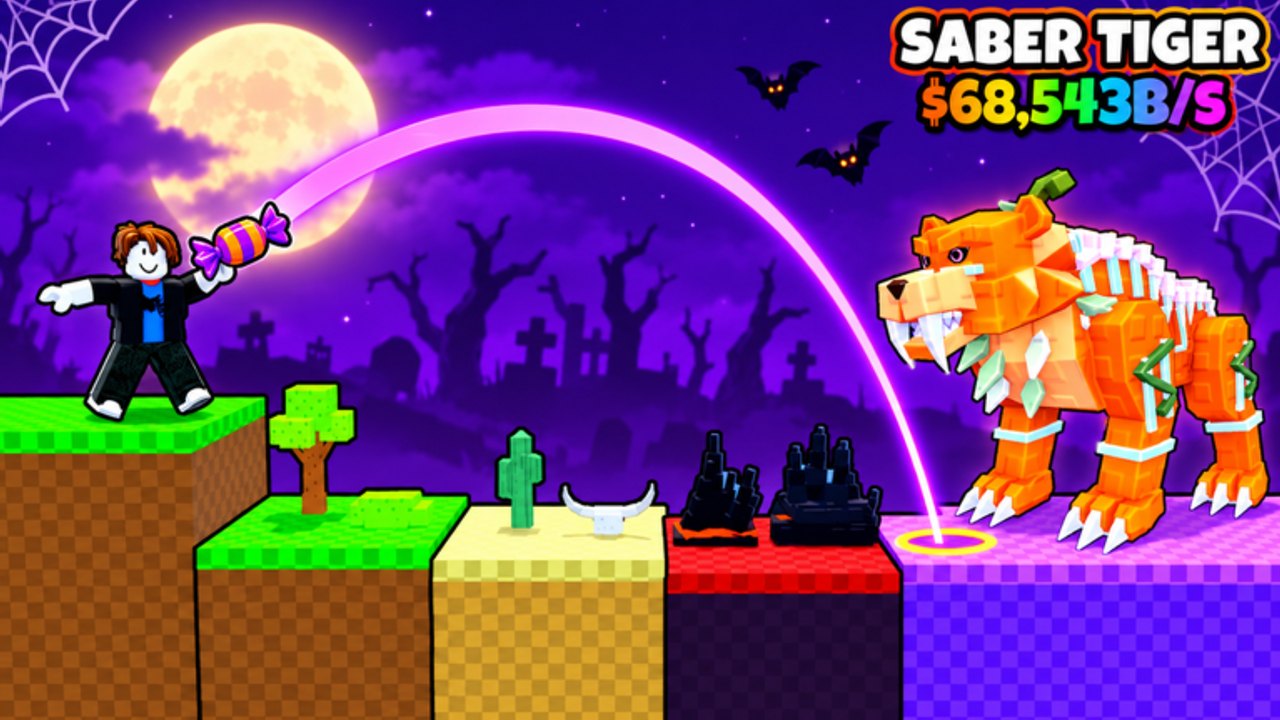
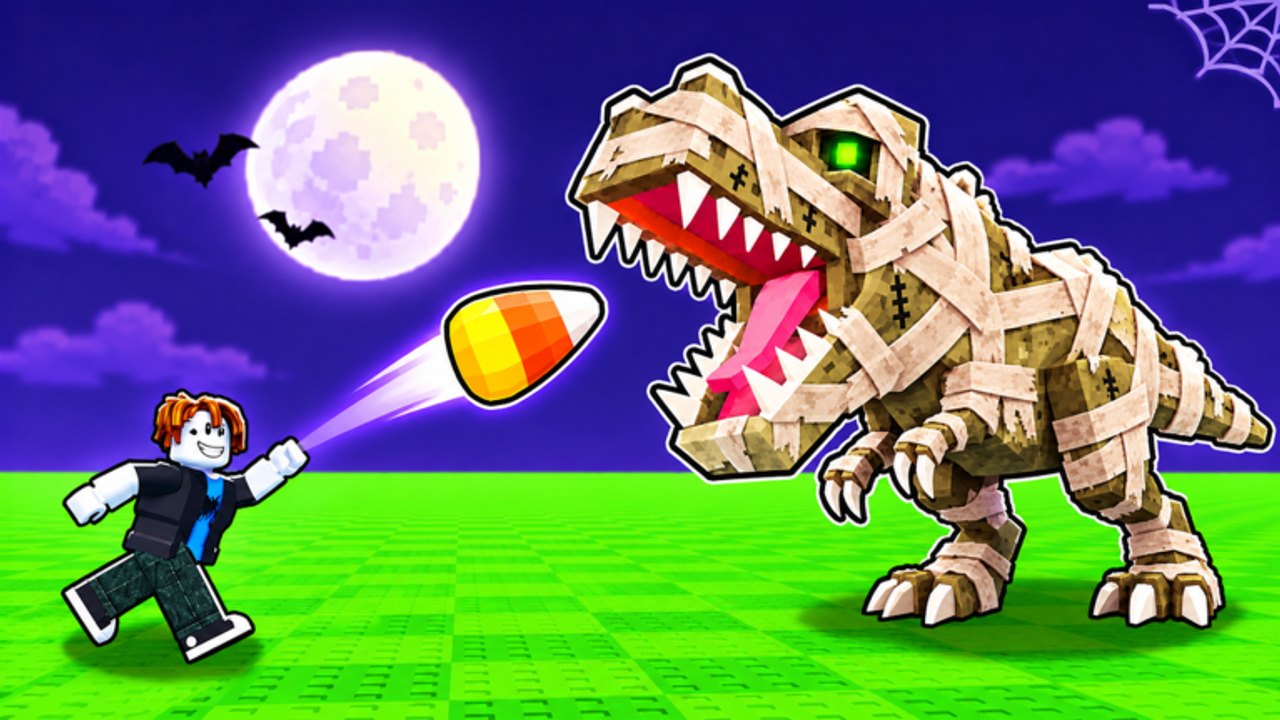
Throw Food For Spooky Animals is a free Roblox Simulation/Tycoon by Throw The CCU. Throw food as far as you can, attract spooky animals from different areas, earn money on your plot, buy better food for rarer catches, and train Throw Power on pull-up stands to reach new zones. Start with the beginner guide, check codes (none active yet), compare animals on the tier list, and skim updates before event nights.
No confirmed Throw Food For Spooky Animals codes yet. Learn how to check later, avoid fake lists, and keep progressing without codes.
View all CodesFull guides for Throw Food For Spooky Animals: throw farther, buy better food, catch animals, train power, unlock areas, farm money.
View all GuidesThrow Food For Spooky Animals tier list by role: early cash animals, area chasers, and plot fillers—ranked by value, not fake $/s.
View all Tier ListPlayer tips for Throw Food For Spooky Animals: small 5-player servers, plot management, rare-throw fights, and admin abuse events.
View all PlayersThrow Food For Spooky Animals updates hub: Oct 2026 launch, inspired-by note, Nov 28 admin abuse event, plus balance expectations.
View all UpdatesThrow Food For Spooky Animals scripts hub with feature lists, PlaceId checks, example loadstrings, and hard account-risk warnings.
View all ScriptsOfficial and community links for Throw Food For Spooky Animals on Roblox—game page, creator group, wiki hubs, and trusted resources.
View all LinksOpen Throw Food For Spooky Animals, find your throw lane, and practice a few timed releases before spending coins. Follow the full checklist in Getting Started.
Attract starter spooky animals, place them on your plot, and read the in-game income UI so you know what actually pays. Rank keepers later with the tier list.
Use pull-up stands in short blocks, then calibrate with timed releases so new areas come into range. Pair the Throw Power guide with Perfect Throw and the Areas Guide.
Upgrade food only for bands your throws already influence—rarer animals will not appear in zones you cannot hit. See the Food Guide and fund buys with the Money Guide before dumping your bank.
Secure animals cleanly, swap fillers for better UI earners, and plan around tiny 5-player lobbies plus listed admin abuse nights. Use How to Catch, Players, and Updates.
Quick answers to the most common questions.
Read Getting Started, then Throw Power, Perfect Throw, and the Areas Guide. Time food buys with the Food Guide and fund them via the Money Guide. Check codes only to confirm none are active yet.
No. As of late November 2026 there is no confirmed redeem UI and no working codes. Progress with throws, training, and plot income instead—details on the Codes Hub.
No. That title inspired the shared throw-and-collect loop. This wiki covers only Throw Food For Spooky Animals by Throw The CCU (PlaceId 84622560457958).
No. This is an unofficial fan resource. Confirm events and announcements on the official Roblox experience page and the Throw The CCU group.
This wiki supports: English, Français, Deutsch, Español, Português (BR). Configure locales in site.meta.json and run npm run generate:i18n.
Servers hold 5 players, so rare long throws and pull-up access are easy to contest. See the Players Hub for plot and event tips.
Learn the meter, train Throw Power, upgrade food, and fill your plot with stronger spooky earners. Start with the beginner guide or jump into codes, the tier list, and how to catch.
Start with the beginner guide