Throw Food For Spooky Animals Perfect Throw & Meter Timing Guide
Nail the release window, calibrate for lag, and turn Throw Power into real distance on the spooky lane.
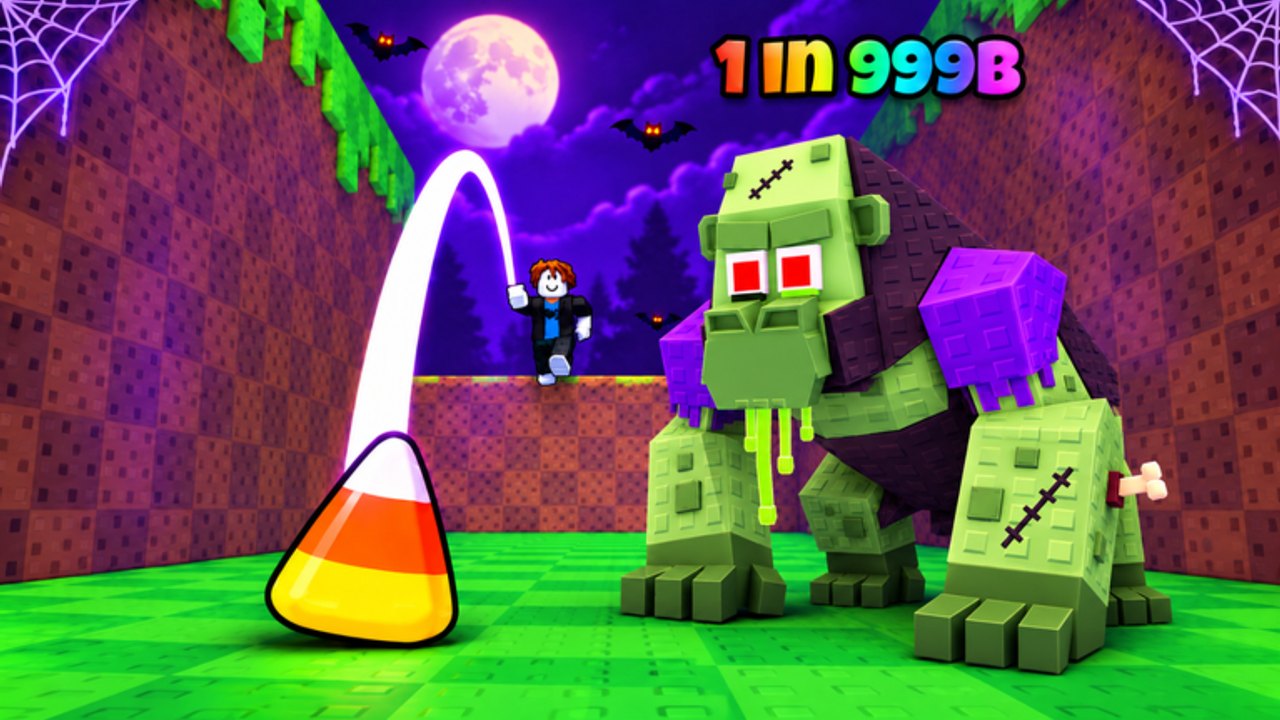
Perfect throws are how Throw Food For Spooky Animals turns raw strength into real map progress. Throw Power stretches your potential arc; the meter release decides whether that potential lands in the next spooky area or face-plants in the band you already own. This guide covers meter timing, the perfect release window, calibration throws, lag on busy event nights, and when timing matters more than another pull-up set.
Throw Food For Spooky Animals is the spooky Simulation / Tycoon from Throw The CCU (PlaceId 84622560457958). Meter fantasies are shared with the inspiration title Throw Food for Animals (Goofy Chupacabra). Watch the mid-article video for genre timing cues, then practice inside this place—animation speed, feedback flashes, and lag profiles can differ. Label inspiration clearly; never assume identical frames.
Prerequisites: Getting Started for the loop, Throw Power for training stands, Areas for what distance is trying to unlock.
Perfect throw versus raw Throw Power
Think of two multipliers:
- Throw Power raises the ceiling of how far a clean release can go.
- Perfect (or near-perfect) timing decides how much of that ceiling you actually use.
A high-power, late release can lose to a mid-power, clean release aimed at the right landmark. Training without timing practice is how players “hit a wall” that is really a habit wall. Timing without any power still cannot invent late bands—pair both.
| You feel… | Likely fix |
|---|---|
| Arc always dies early, even on best-feeling clicks | More Throw Power |
| Power is high; landings spray short or sideways | Meter timing / aim |
| Good distance on empty servers; trash on event nights | Lag calibration |
| Distance fine; animals ignore food | Food tier—see Food Guide |
Reading the meter (genre habits)
Exact UI art can change, but the throw-food genre usually asks you to:
- Start the throw / wind-up interaction.
- Watch a power or timing indicator fill, pulse, or sweep.
- Release inside a rewarding window—not necessarily the flashiest animation.
- Follow the food with your camera to the landing band.
- Adjust the next attempt based on whether you under-shot or over-shot the landmark.
Your job is to discover your reliable window in Spooky Animals. Do not memorize a creator’s click soundtrack from another experience and call it meta forever.
The perfect release window
Aim for consistency over highlight clips:
- Pick one target landmark from the Areas role map.
- Take five throws with the same food and the same intent.
- Note which release feel produced the farthest useful landing—not the coolest particle.
- Lock that feel as your baseline before you change food or train again.
“Perfect” means repeatable. A single lucky nuke that you cannot recreate does not count as skill.
Calibration throws (do these after every power set)
After pull-ups on the training stands:
- Walk straight to the lane—do not open chat AFK.
- Fire three to five calibration throws at the previous distance wall.
- Ask: did the average landing move, or only the best one?
- If average did not move, your set was too short, your release slipped, or lag lied.
- Only then decide on another training block or a money cycle (Money Guide).
Calibration is the difference between training and cosplay training.
Mid-article timing demo
The embedded video demonstrates meter release practice common to this genre (including inspiration-title footage). Steal the rhythm—wind-up, watch, release, evaluate—then rebuild it on PlaceId 84622560457958 with your own latency.
Lag on event nights and busy lobbies
Listed admin abuse windows and peak concurrency change input feel. On those nights:
- Expect the perfect window to arrive earlier or later than your quiet-server muscle memory.
- Take two soft calibration throws before you spend premium food.
- Prefer mid-band money farming over forcing far-band contests when rubber-banding (Updates, Players).
- If releases randomly die, rejoin before you burn a whole food budget “testing.”
Lag is a mechanic whether developers intended it or not. Pros adjust; beginners blame the shop.
Aim still matters
Timing without aim dumps food in the wrong lateral lane. Before each focused attempt:
- Face the band you chose—not “somewhere far.”
- Account for other players’ bodies and props on the 5-player lane.
- After release, watch the arc; correct the next wind-up immediately.
Pair this page with How to Catch so perfect landings become plot animals instead of fireworks.
Practice drills (10 minutes)
Drill A — Window lock (3 min)
Same food, same landmark, ten throws. Count how many land in the intended band.
Drill B — Power transfer (3 min)
One short pull-up set, then five calibrations. Measure average, not ego best.
Drill C — Lag adapt (2 min)
On a busy server, find the new window with cheap food only.
Drill D — Convert (2 min)
Two serious throws with appropriate food; attempt a catch if interest appears.
Stop while focused. Marathon spam teaches bad releases.
Common perfect-throw mistakes
- Mashing release the instant the meter looks “max” without checking landing history.
- Skipping calibration after Throw Power sets.
- Spending rare food while discovering a laggy window.
- Copying inspiration click timing frame-for-frame after a Spooky patch.
- Ignoring aim because the meter flash looked perfect.
- Training forever when the real issue is a late release.
Related guides
- Throw Power — raise the ceiling your timing uses.
- Areas — landmarks your perfect throws should clear.
- How to Catch — turn landings into animals.
- Food Guide — snacks worth a clean release.
- Money Guide — fund practice without going broke.
- Getting Started — first-session meter orientation.
- Updates — when feel changes after patches or events.
- Guides Hub — full walkthrough index.
Perfect throws are a calm skill: pick a landmark, release on a repeatable window, calibrate after every power gain, and respect lag on chaotic nights. Power opens the door; timing walks you through it.
Frequently Asked Questions
Quick answers to the most common questions.
What is a perfect throw in Throw Food For Spooky Animals?
A release timed inside the rewarding meter window so your Throw Power converts into maximum useful distance toward a chosen area landmark.
Should I train Throw Power or practice timing first?
If you cannot reach the next band at all, train. If power is fine but landings spray short, practice perfect releases and calibration throws.
Why do my throws feel worse during events?
Lag and congestion shift the release window. Recalibrate with cheap food before spending premium snacks on admin abuse nights.
Does perfect timing replace Throw Power?
No. Timing uses the power you have. High timing with low power still cannot invent late areas.
How do I practice without wasting food money?
Use cheaper food for window-lock drills, calibrate after training, and only spend higher tiers once your average landing is stable.